Release Notes 27.3.18490.0 | July 06, 2026
Requirements
Business Central application platform 27.3 or higher.
MDC web server files version 4.18535.0 (download the files here)
Enhancement
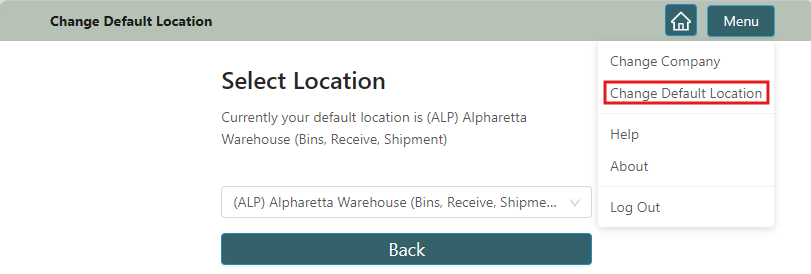
Change Default Location
ID: 15304
Added a new feature that allows users to change their default location directly in the MDC app. A new action has been added to the MDC menu, enabling users to select any location assigned to them in the Warehouse Employee table as their default location.
Enhance Navigation Across MDC Pages
ID: 16008
Enhanced navigation across MDC pages by adding new action buttons to streamline warehouse workflows.
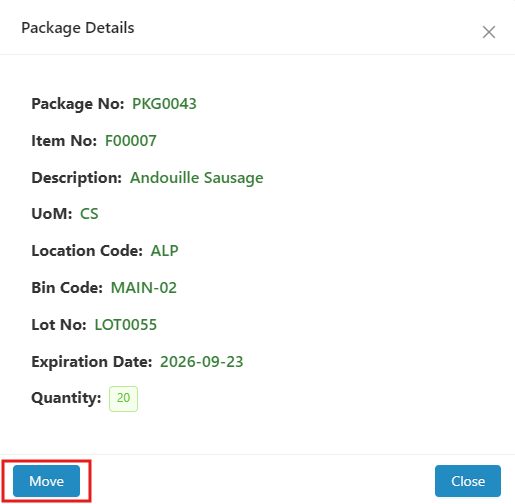
- Package Details Page – Added a Move action that allows users to navigate directly to the Move Packages page without returning to the Package menu.
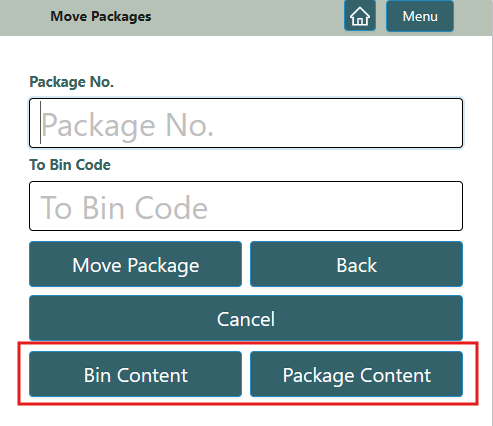
- Move Packages Page – Added Bin Content and Package Content actions, enabling users to navigate directly to the respective pages without returning to the main page.
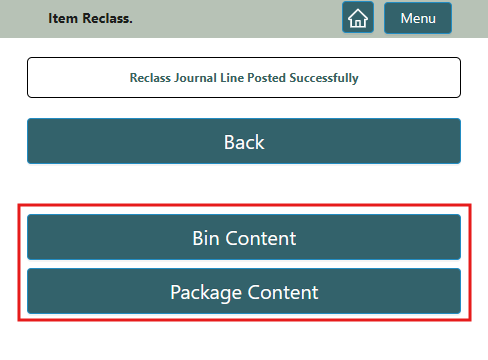
- Item Reclass. Page – Added Bin Content and Package Content actions, allowing users to navigate directly to the respective pages after posting.
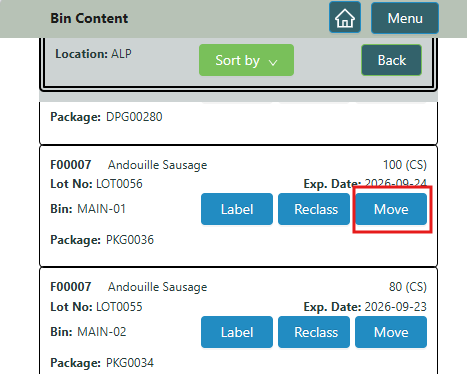
- Bin Content Page – Added a Move action that allows users to navigate directly to the Move Packages page.
Default Location Restrictions for Bin Content and Package Operation
ID: 16084
Added two new configuration options to the Mobile Data Collection User Profile page to control Bin Content and Package operations by Default Location. As part of this enhancement, two new Boolean fields—Bin Content and Packages—have been added under the Filter by Default Location FastTab.
Bin Content – When enabled, the Location field is automatically populated with the user's default location and cannot be modified. Users can view inventory only for their default location.
Packages – When enabled, package operations are restricted to the user's Default Location:
An error is displayed if a user scans or enters a package that belongs to a different location.
Users cannot post packages located outside their default location on the following pages:
- Move Packages
- Consume Package
- Split Package
- Unpackage It
On the Package Content page, the Location field is automatically populated with the user's default location and cannot be changed. The Search action displays only records for the user's default location.
Enhance Physical Inventory
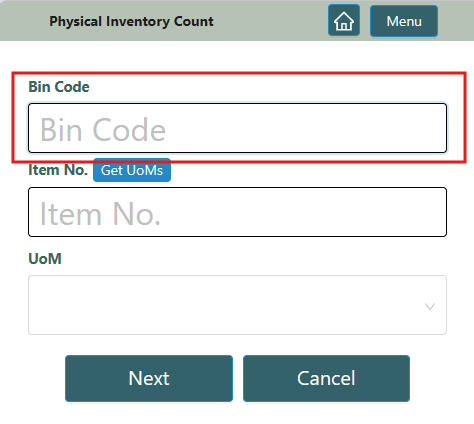
Enhanced the Physical Inventory page to streamline the physical counting process by allowing users to start a count by scanning a Bin Code. After scanning the bin, users can count and record the inventory within that bin.
Fixes
| ID | Description |
|---|---|
| 16081 | Resolved an issue that caused the Physical Inventory Count page to display an incorrect quantity after successive negative adjustments reduced the inventory quantity to zero. |
| 15456 | Resolved an issue where posting output recorded an incorrect production date when the production date was entered manually on the Output page and the Default Output Production Date in the corresponding Item Tracking Code was blank. |